Guides
The honest guide to voiceover production tools
The honest guide to voiceover production tools covers the microphones, interfaces, DAWs and plugins that carry a session from raw script to final delivered file.
What to take away
This guide to voiceover production tools names the microphones, interfaces, DAWs and plugins that carry a session from script to delivery.
- The microphone sets the tone of every job you book. A large-diaphragm condenser like the Neumann TLM 103 or Rode NT1 suits narration and audiobooks. A dynamic like the Shure SM7B or Electro-Voice RE20 suits loud, close, untreated rooms.
- An audio interface turns your mic into a USB signal. The Focusrite Scarlett 2i2 and Audient iD14 are common choices; preamp gain and headroom matter more than brand.
- A DAW is where you record, edit and export. Reaper ($60 personal license), Adobe Audition ($23 per month), and Pro Tools ($10 to $30 per month) are the three most common in voiceover.
- Treat plugins as repair tools, not decoration. A de-esser (FabFilter Pro-DS, Waves Sibilance), a high-pass filter, and iZotope RX Elements for noise reduction cover most jobs.
- Buy in the order the work arrivesmic, interface, headphones, DAW, then treatment.
This article covers equipment and software choices for a working narrator. It is general business information, not individualized legal, tax, union or contract advice. Rates, rights and terms depend on the script, market, media, territory and performer status. Put usage in writing and seek qualified guidance.
Start with the room, not the gear
A voiceover chain begins with the space. A $1,000 microphone in a bare room with a window and a refrigerator hum records worse than a $150 microphone in a treated closet.
Before buying anything, record sixty seconds of silence and listen on headphones. What you hear is your floor.
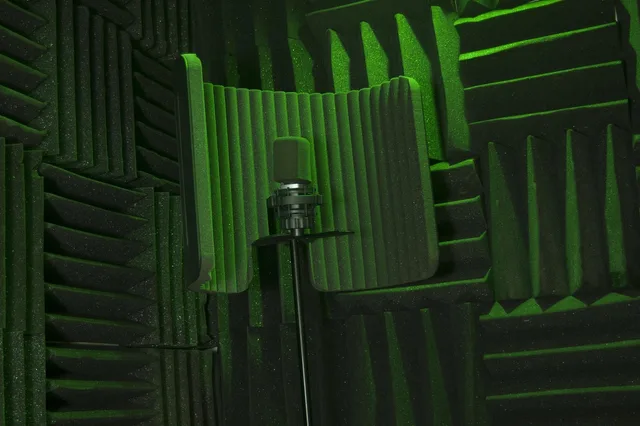
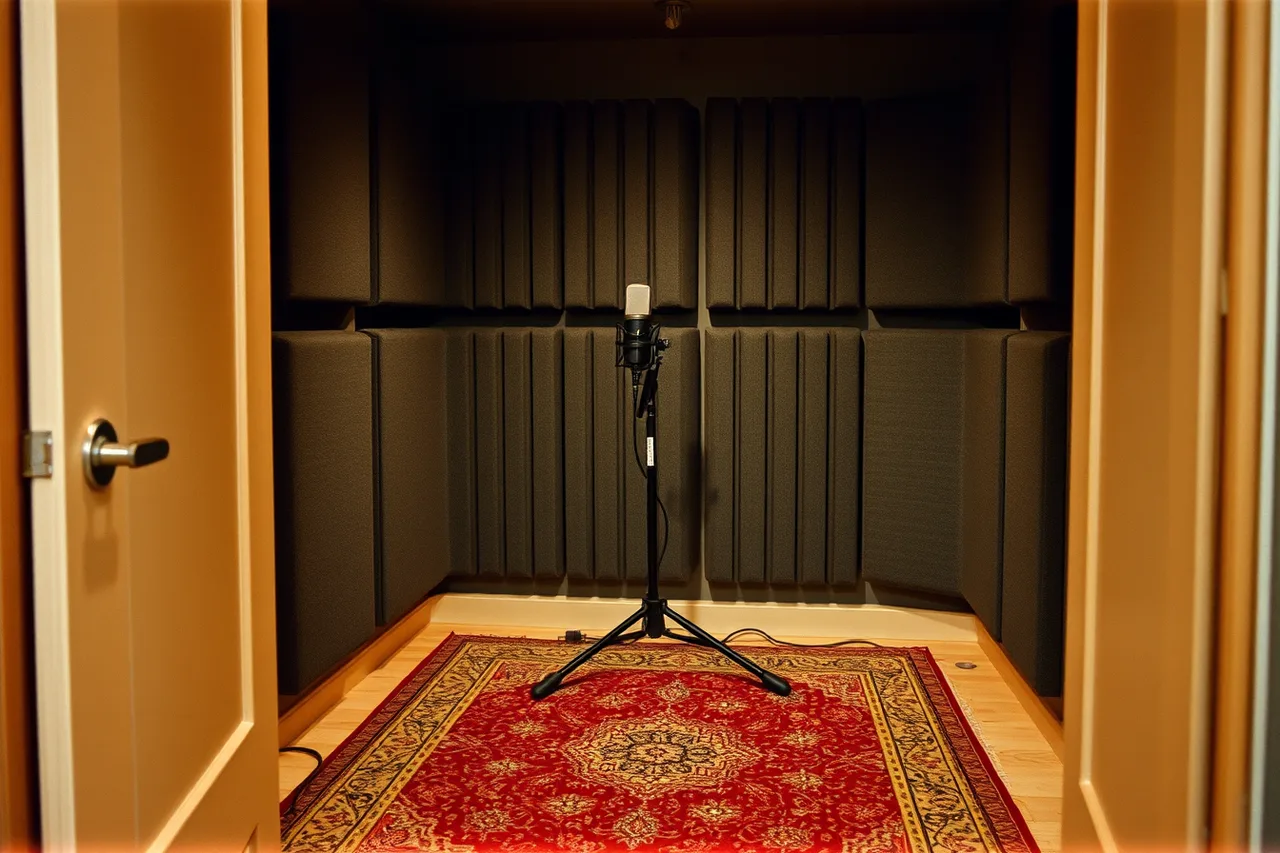
Treat that floor as a fixed cost you cannot mix away. Broadband absorption panels, moving blankets and a thick rug reduce reflections.
Panel type and placement matter more than brand. Two inch rigid fiberglass or mineral wool panels handle first reflections and the detail range of a voice. Four inch panels handle corners and low-end buildup.
Typical cost is roughly $40 to $90 each for a 2 ft by 4 ft by 2 in panel. A six-pack often lands between $150 and $400, depending on the maker and the covering.
Hang two panels on the wall behind you while you record, because that is the surface the mic hears past your voice. Treat the wall behind the mic if it is bare, and add a corner trap if the room booms.
A refrigerator on the same circuit, a furnace, a ceiling fan or a neighbor's dog are problems no plugin fully solves.
Only after the room is quiet does gear choice change what a client hears. That is the order this guide follows.
Microphones: the first real decision
Two families cover nearly all voiceover work.
Which microphone family fits the job
Large-diaphragm condenser
- Best for
- Narration, audiobooks
- Price band
- $250 to $1,200
- Watch out for
- Reveals room noise
Dynamic
- Best for
- Promo, trailer
- Price band
- $400 to $500
- Watch out for
- Needs high-gain preamp
Shotgun
- Best for
- Film, location
- Price band
- $300 to $1,500
- Watch out for
- Off-axis colouration
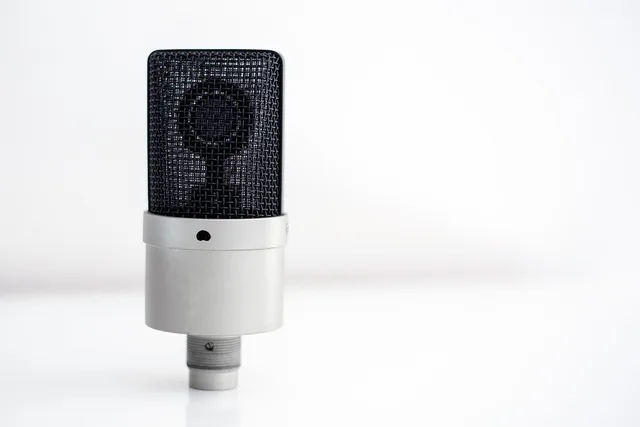
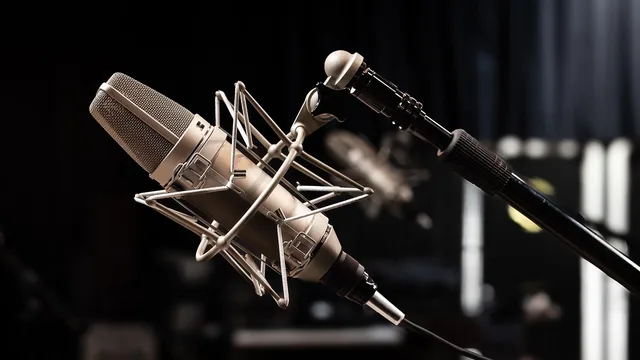
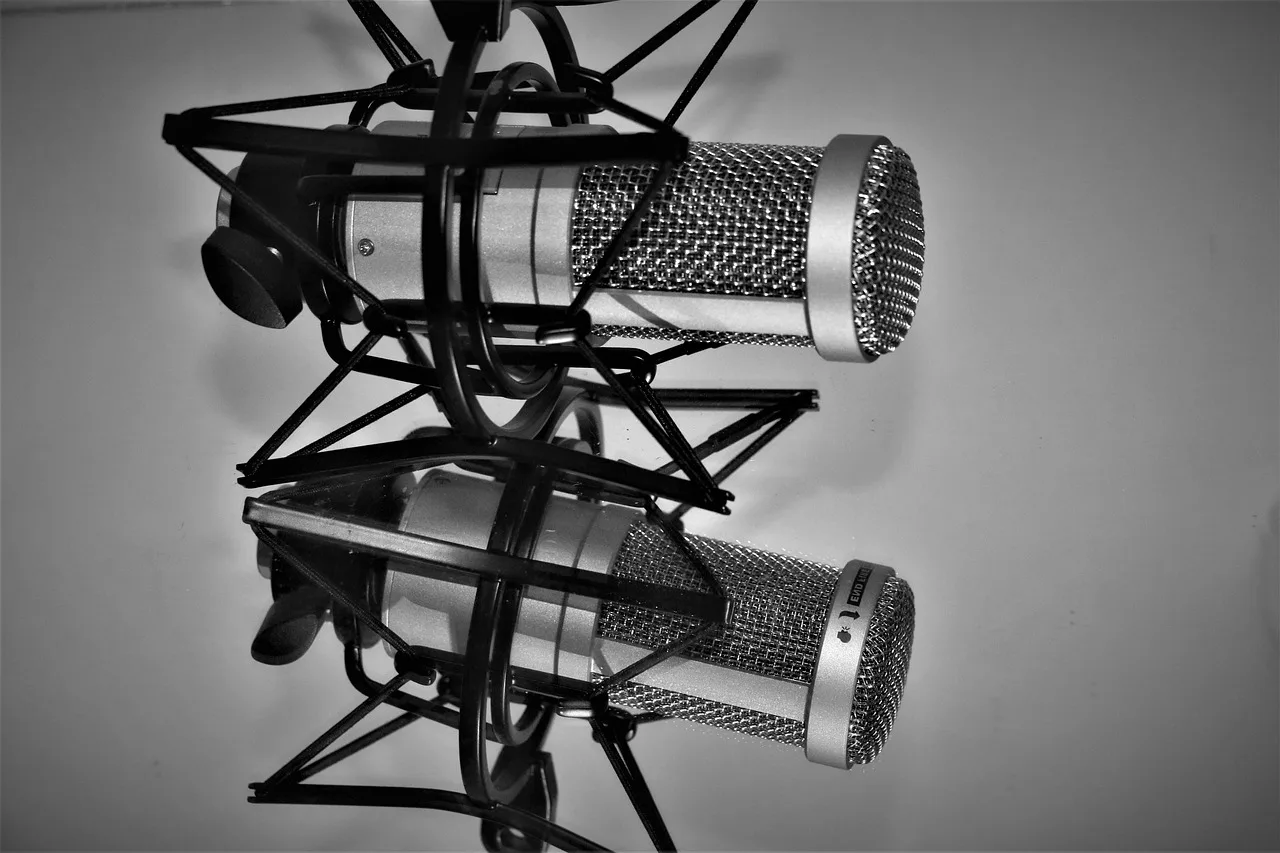
Large-diaphragm condensers capture detail and low-end warmth. They suit narration, audiobooks, e-learning and corporate reads. Common names: the Neumann TLM 103, the Audio-Technica AT4040, the Rode NT1, the AKG C414. Prices run from roughly $250 for the Rode to over $1,200 for the Neumann.
All are cardioid or switchable, and all need a quiet room to show their advantage.
Dynamic microphones reject more of the room and take high sound pressure without distorting. They suit loud, close, energetic reads, promo and trailer work, and untreated spaces.
The Shure SM7B and the Electro-Voice RE20 are the two most requested in voiceover. Both sit in the $400 range and both want a preamp with plenty of clean gain.
A third option, the shotgun mic, is a film and location tool. It is rarely the right choice for a booth.
Best for
- Large-diaphragm condenser
- Narration, audiobooks, e-learning
- Dynamic (SM7B, RE20)
- Promo, trailer, untreated rooms
- Shotgun
- Film, location, ADR
Typical price band
- Large-diaphragm condenser
- $250 to $1,200
- Dynamic (SM7B, RE20)
- $400 to $500
- Shotgun
- $300 to $1,500
Watch out for
- Large-diaphragm condenser
- Reveals room noise
- Dynamic (SM7B, RE20)
- Needs high-gain preamp
- Shotgun
- Off-axis coloration in a booth
Interfaces and preamps
An audio interface converts the microphone's analog signal to digital over USB. It is the piece most beginners skip, then replace. Two things matter: preamp gain and headroom.
Interface tiers by price and preamp
Entry
- Models
- Scarlett Solo, 2i2
- Price
- $120 to $200
- Preamp
- Quiet for condenser
Step up
- Models
- Audient iD14, UA Volt, SSL 2+
- Price
- $300 to $400
- Preamp
- Cleaner for dynamic mics
The Focusrite Scarlett Solo and 2i2 are the default entry point, around $120 to $200, and they are quiet enough for a condenser.
The Audient iD14 and the Universal Audio Volt series sit a step up, roughly $300 to $400, with cleaner preamps for dynamic mics. The SSL 2+ is another common booth choice in the same band.
If you run an SM7B or RE20, check the gain. A mic that needs 60 dB of clean gain will hiss through a cheap interface.
An inline preamp such as the Cloudlifter CL-1, around $150, adds gain without adding noise. That is cheaper than replacing the interface.
DAWs: where the work happens
A digital audio workstation records, edits and exports your takes. Three dominate voiceover work.
Three DAWs for voiceover work
Reaper
- Cost
- $60 license
- Strength
- Fast, scriptable
- Best for
- Self-editing narrators
Adobe Audition
- Cost
- $23 per month
- Strength
- Spectral repair, DeNoise
- Best for
- Problem takes
Pro Tools
- Cost
- $10 to $30 per month
- Strength
- Studio standard
- Best for
- Producer delivery
Reaper costs about $60 for a personal license and runs on any laptop. It is fast, scriptable and the default for narrators who edit their own audiobooks.
Adobe Audition is part of a Creative Cloud subscription, roughly $23 per month. Its strength is cleanup: the spectral repair tools and the DeNoise and DeReverb effects handle problem takes.
Pro Tools is the studio standard and what many producers and engineers expect to receive. A subscription runs about $10 to $30 per month depending on tier.
It is heavier than Reaper and overkill for a solo narrator who only delivers finished files.
The right DAW is the one you can operate under a deadline. Pick one, learn its keyboard shortcuts, and stop shopping.
Plugins that earn their place
Plugins fix specific problems. Buy them when the problem appears, not before.
Plugins and what each one fixes
- High-pass filterrumble below 80 Hz, free
- De-esserharsh S sounds, $100 to $300
- Noise reductionsteady hum and hiss, around $130
- Compressor and limitereven level, free to $200
- iZotope RX Standardclicks, breaths, mouth noise, around $300
Three plugins come up again and again in voiceover booths.
FabFilter Pro-DS is a de-esser. It pulls down the sharp S and SH sounds a condenser mic pushes forward, and it leaves the rest of the word intact.
Waves Sibilance does the same job with fewer controls. It is quicker to learn and it is often the cheaper of the two.
iZotope RX Elements is the repair kit. It removes steady noise, hum, clicks and mouth noise from a take you cannot repeat.
All three go on sale often, so the price you pay depends on the bundle and the week.
The rule: a plugin is worth its price only if it saves a retake. If you can fix it with a better performance, do that first.
Headphones and monitoring
You cannot judge a take on laptop speakers. Closed-back headphones keep the mic from bleeding into the recording and let you hear detail.
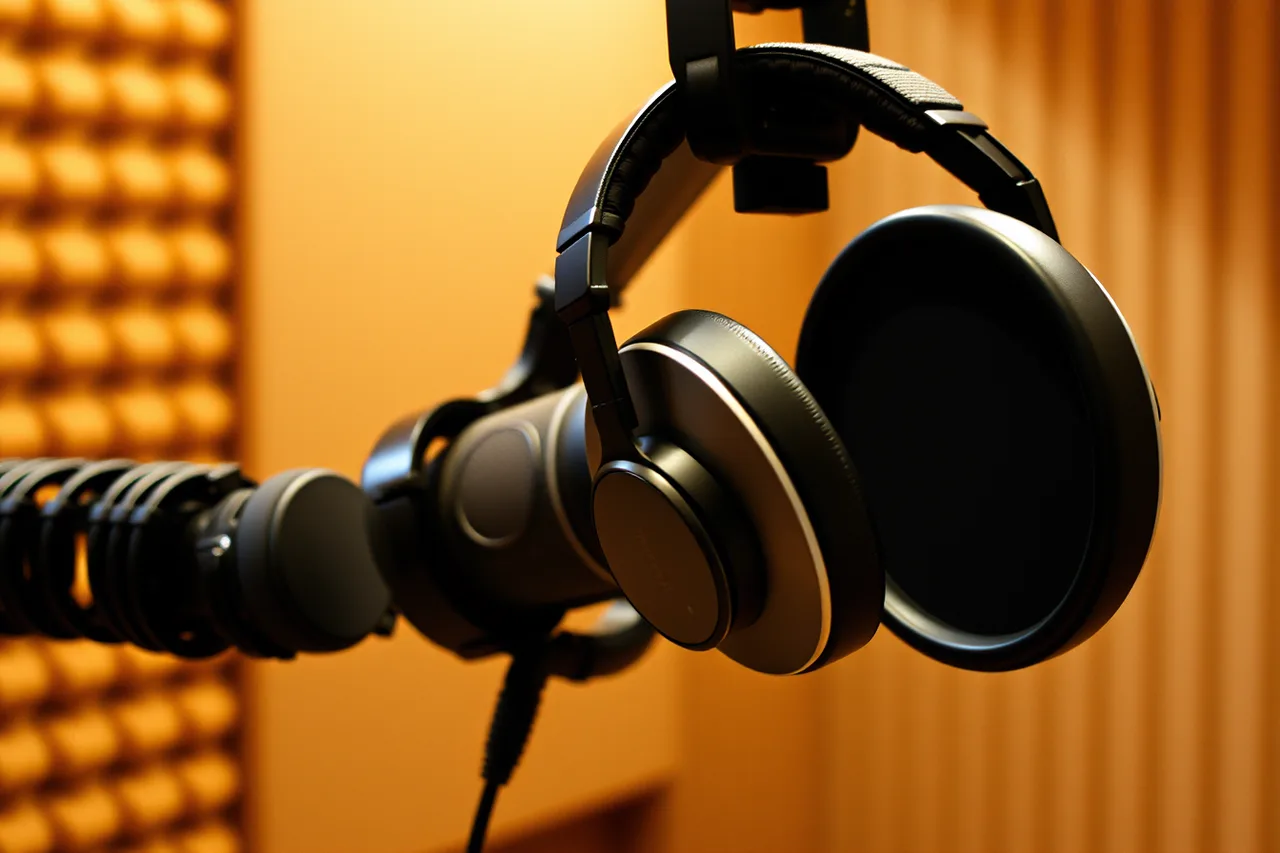
The Sony MDR-7506, around $100, and the Audio-Technica ATH-M50x, around $150, are the two most common in booths. Both are closed-back and both are replaceable.
Closed-back matters for one reason: bleed. A headphone signal leaks into a live mic, and then a de-esser or noise reduction has to clean it up.
Set your monitoring level once and mark the dial. You want to hear your own voice over the bed rather than fight it. Comparing two takes only works when both play back at the same level.
Open-back headphones sound wider but leak. Use them for editing, not for recording.
Deliverables and file specs
Clients rarely ask for a raw take. They ask for a specific format, and the format is part of the toolchain.
A typical delivery is a 48 kHz, 24-bit WAV, mono or stereo as specified, peak-normalized to a stated level.
Some clients want MP3 for auditions and WAV for finals. Some want separate stems for music and voice.
Read the spec sheet before you record, because re-exporting is cheap and re-recording is not.
Keep your session files. If a client asks for a revision six months later, the original session is the difference between a five-minute fix and a full re-record.
Where the rules come from
Advertising claims about your services must be truthful and supported, and any endorsement must reflect honest experience with material relationships disclosed.
The Federal Trade Commission: Advertising FAQs: A Guide for Small Business is the reference to read before you write a demo page or a rate card.
Studio safety is not a formality. The Occupational Safety and Health Administration: Safety Management explains how a proactive program finds and fixes hazards before an inspection does.
In a booth that means cable runs, power strips, monitor levels and ventilation.
Music you place under a read carries its own rights. The U.S. Copyright Office: Copyright and the Music Marketplace sets out how public performance and other uses travel through different licensing paths, so a streaming subscription is not blanket clearance for a client's ad.
Keep receipts and session records. The Internal Revenue Service: What kind of records should I keep? explains what a small business should retain.
A worked example: building a booth for under $1,500
Say a narrator has $1,500 and a spare closet. Here is one allocation.
Building a booth for under $1,500
| Item | Choice | Cost |
|---|---|---|
| Microphone | Rode NT1 | $270 |
| Interface | Focusrite Scarlett 2i2 | $180 |
| Headphones | Sony MDR-7506 | $100 |
| DAW | Reaper personal license | $60 |
| Treatment | Four absorption panels and a rug | $250 |
| Cables, stand, pop filter | Basic set | $120 |
| Contingency (optional) | Repair or upgrade | $520 |
| Total | $1,500 |
The six lines above the contingency add up to $980. The $520 contingency is optional: it covers a repair or an upgrade you may never need. With it, the total is $1,500.
That leaves room for the upgrade most narrators make first: an inline preamp if the mic needs more gain, or a second microphone if the work splits between narration and promo.
The arithmetic is the point. Substitute your own figures, and check the total against the work you have actually booked, not the work you hope to book.
The voiceover production setup checklist walks through the same decisions in order.
Common questions
Do I need a Neumann to get work?
No. Clients hear the performance and the room before they hear the badge.
Is a USB microphone enough to start?
For auditions, podcasts and some e-learning, yes. For broadcast, audiobooks and agency work, an XLR microphone with a separate interface is the expectation.
The upgrade path is USB first, then XLR and interface.
How often should I replace gear?
Replace when a tool fails a job, not on a schedule. Track repair frequency, downtime and whether a piece of gear has cost you a retake.
That record, not the calendar, tells you when to retire something.
Should I buy plugins or room treatment first?
Room treatment. A plugin can reduce noise, but it cannot add the detail a bad room removes. Treatment is a one-time cost that improves every future recording.
For contract, buyout, union or tax questions raised by any of this, speak to an entertainment attorney. You could also speak to a CPA who knows Schedule C. Or contact the relevant union contracts department. This guide covers tools, not terms.